DARK MODE
Dark mode, all the way.
Not a dimmed grey: a true-black page for OLED screens, with cards a shade above it so the day still reads clearly. Toggle it with the sun and moon, and it follows you to every device you journal from.
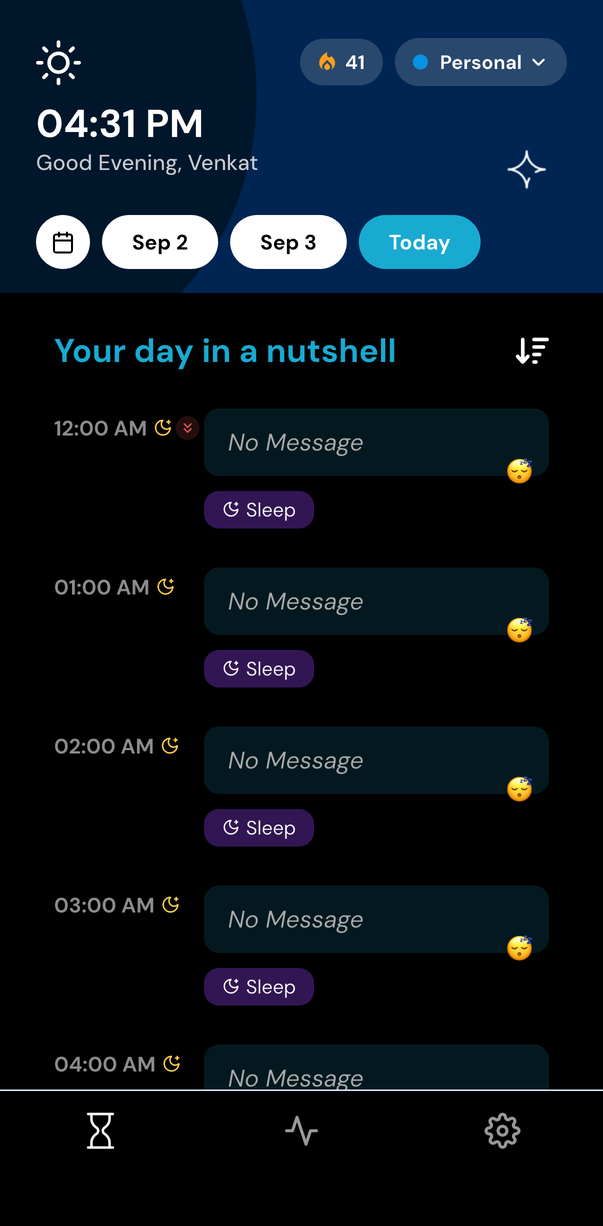
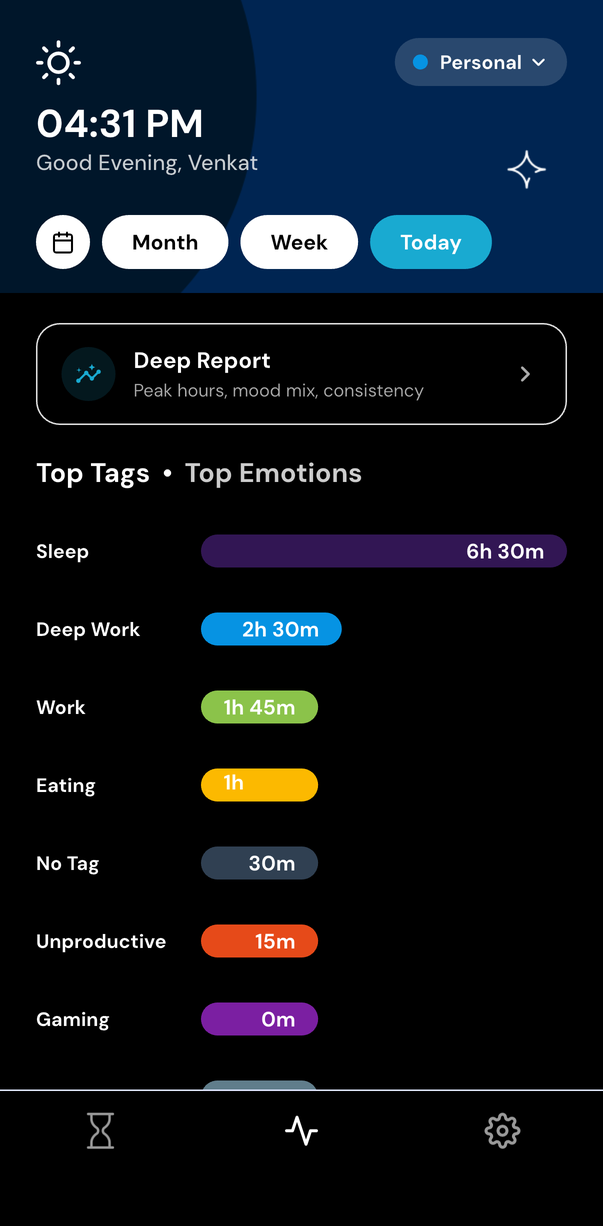
Built for the last entry of the day
True black, not dark grey
A pure black page with near-black cards, so an OLED screen can switch pixels off rather than glow at you.
One toggle
A sun and moon switch, wherever you happen to be in the app.
The whole app, not just the home screen
Insights, Deep Report, Search, settings and the check-in sheet all come with it.
On every device
The phone apps and the web app share the theme, so a late entry looks the same on a laptop.
How to turn on dark mode
- 1
Open Settings and upgrade to Premium.
- 2
Tap the sun and moon toggle.
- 3
Journal at midnight without the screen shouting at you.
A small thing, honestly placed
Dark mode is one of the ten things Premium adds, not a plan of its own. If the rest of that list does nothing for you, the free journal stays exactly as it is — light, complete, and not nagging you about it.
Start with the next hour
One small check-in each hour puts your whole life in perspective
Free to start. Try it on iOS, Android, or the web.