WORKSPACES
Three workspaces, your names.
One journal is free, with its own wake and sleep hours, reminder window, interval and sound. Premium lets you run up to three, each named and coloured by you, and put a passcode on any of them.

One life, kept in the right places
Name them yourself
Personal, Work, Side hustle, Fitness — the names and the colours are yours, not a fixed set.
Each with its own schedule
A workspace carries its own reminder window, interval, sound and wake and sleep times, so work hours do not follow you into the evening.
Switch in one sheet
The workspace switcher lists them all with a tick beside the one you are in, and a plus to add another.
Lock the one that needs it
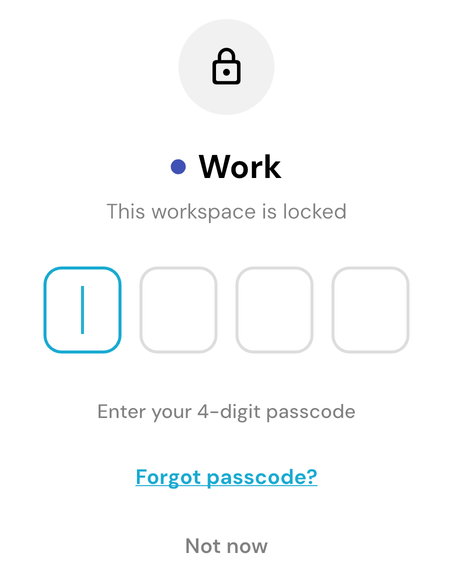
A 4-digit passcode gates a workspace, works offline, and can be recovered by email if you forget it.
How to set up workspaces
- 1
Open the workspace switcher and add a workspace with Premium.
- 2
Give it a name, a colour, and its own reminder window and sound.
- 3
Set a 4-digit code on any workspace you would rather keep to yourself.
What the lock does, and what it does not
The passcode stops someone picking up your phone and reading a workspace. It is a privacy screen, not encryption, and we would rather say so than imply more. Your data is protected the same way in every workspace, locked or not. Workspaces and the lock are part of Premium.
Start with the next hour
One small check-in each hour puts your whole life in perspective
Free to start. Try it on iOS, Android, or the web.