DEEP REPORT
Go deeper with Deep Report.
A month holds 720 hours. Deep Report opens by telling you how many of them you actually journaled, then breaks the rest down — when you work, how it felt, what it cost in energy, and how any two tags compare. It is part of Premium.
What a Deep Report contains
Hours in context
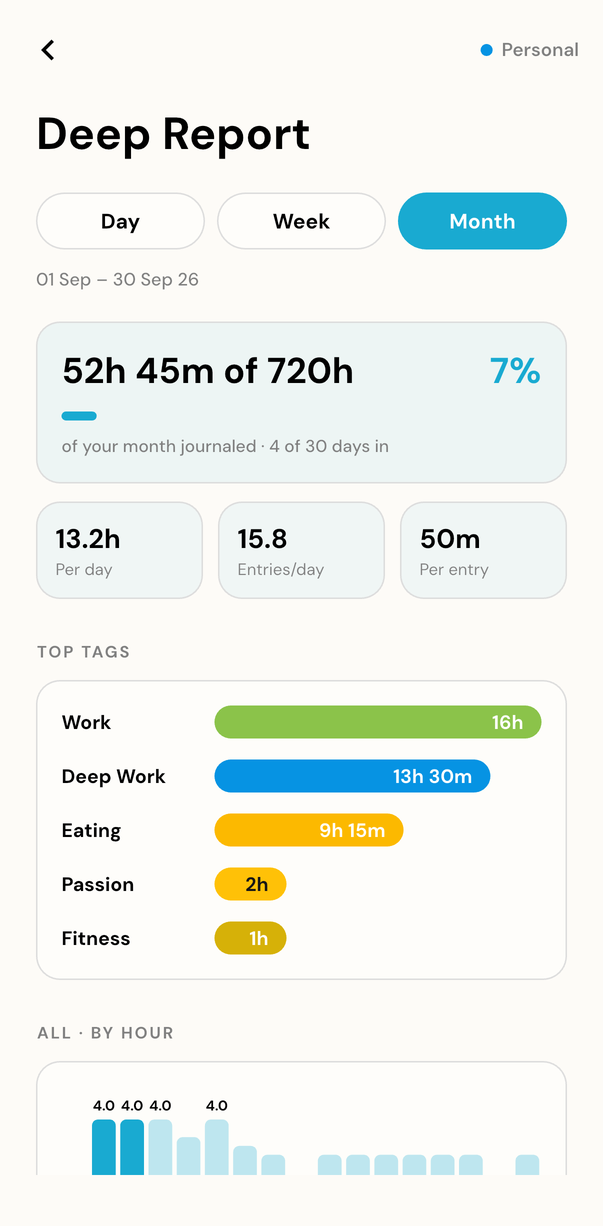
A hero line such as 52h 45m of 720h · 7%, then per-day, entries-per-day and per-entry tiles.
Your peak hours
By-hour bars show when the range you are reading actually happened, alongside the highlights of it.
Energy and sentiment
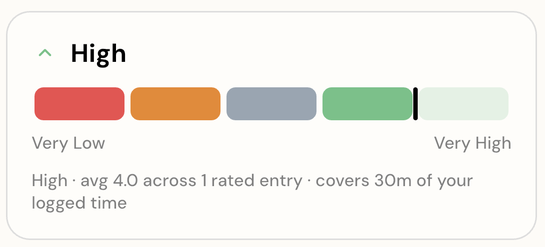
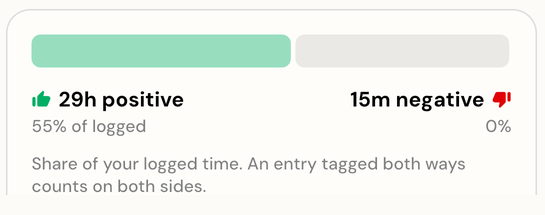
An energy meter across the range, and a positive versus negative split drawn from the tags you have marked.
Sleep, wake and compare
Average sleep, your usual sleep and wake times, hours awake per day — plus Tag vs tag, any two tags side by side.
How to read your Deep Report
- 1
Journal for a week or two, so there is something to report on.
- 2
Open Insights, choose Deep Report, and pick a range.
- 3
Read from the context hero down to by-hour bars, energy, mood, sleep and wake — or open Tag vs tag to compare two.
A report, not a verdict
Deep Report describes the hours you recorded and nothing else. It makes no claim about your health or your productivity, and it does not tell you what to do next — it puts what you wrote somewhere you can see all of it at once.
Start with the next hour
One small check-in each hour puts your whole life in perspective
Free to start. Try it on iOS, Android, or the web.